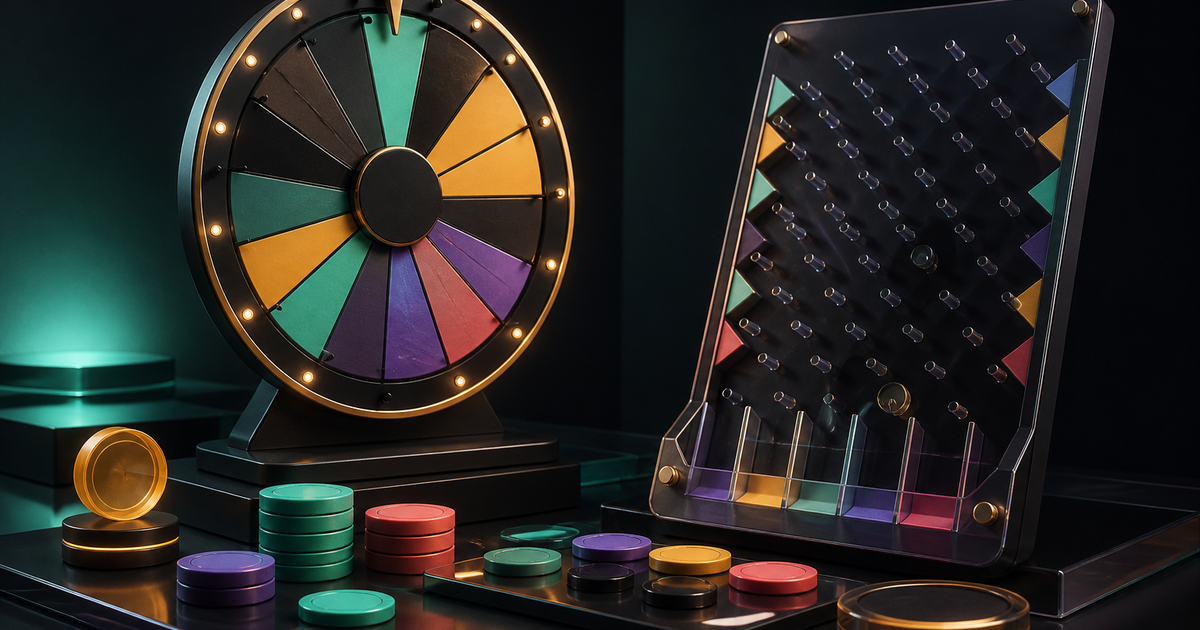
TikTok LIVE Studio builds in four kinds of interactive TikTok LIVE games, each turning viewers into players a different way. Interactive Games let Gifts trigger effects inside a supported game. Play Together brings chosen viewers into your match. Poll and Gift vote let chat decide what happens next. LIVE match pits you against another creator for five minutes. Only the last two work without a game at all.
From TikTok's LIVE Studio Help Center articles on each format, updated between 3 and 12 November 2026, read 12 November 2026 and rechecked on 15 November. The rest of the series is in the interactive TikTok LIVE guides.
Four formats side by side
| Format | Viewers take part by | Needs | Where to start it |
|---|---|---|---|
| Interactive Games | Sending the Gift linked to an in-game effect | A supported game downloaded through LIVE Studio | Tools, Engage, Interactive Games |
| Play Together | Joining a waitlist, then playing with you if picked | A game you can invite viewers into | Launched during the LIVE |
| Poll & Gift vote | Tapping an option, or sending a Gift for Vote with Gifts | Nothing beyond the LIVE | Tools, Engage, Poll & Gift vote |
| LIVE match | Sending Gifts and likes to their creator | A co-host who accepts | Start match, while co-hosting |
Only Interactive Games needs a Gift to take part at all. Play Together and a standard poll are free, and likes score points in a LIVE match. That matters more than it looks: a free way to join is how a new viewer finds out whether they like your stream before they spend anything.
Interactive Games: Gifts change the game
TikTok's Bring Gifts into your gameplay article, updated 12 November 2026, describes games built for this. You pick one under Tools, Engage, Interactive Games, read its effects on the detail page, choose Download game and then Start gameplay. Set up LIVE layout adds it to your scene, or you can add a game capture source yourself. When you go LIVE, LIVE Studio switches on the matching Viewer Wishes template, and the In-game effects tab shows which Gift triggers which effect.
TikTok's example is Metro Rush, with effects such as Random Ally, Random Kaiju and Random Mech. It doesn't publish a full list of supported games, so you'll only see what's on offer inside LIVE Studio. The article is written for LIVE Studio on a computer, and we found no TikTok page describing Interactive Games from the phone app.
The catch is that it only works with those games. When the game ends, LIVE Studio turns off the template and Gifts stop triggering anything. If you want Gifts to affect a game TikTok doesn't list, you're into third-party territory, which the guide to gift-triggered game actions covers with the rules attached.
Play Together: viewers join the match
Play Together lets you pick viewers from a waitlist to join your gameplay. You decide who can apply: All viewers, Followers only, or Creator's fans only. Then you choose how to connect.
- Gather details when viewers apply: they submit a player ID with their request. TikTok suggests this for games that need friend invites, such as MOBAs.
- Send details to viewers you pick: you share a room ID with the people you choose, which suits sandbox and co-op games.
- Show details in LIVE, optional: everyone sees the rules and applicants see their place in the queue.
You can sort the waitlist by wait time or by contribution, or use Random pick. Viewers have to stay in the LIVE while they wait; leaving drops them from the list.
TikTok's templates match the connection methods to game types. Ranked or co-op team play goes by player ID, and open-world or social games are entered by room ID. A challenge-driven template lets viewers queue a weapon, character or rule. Picked viewers' details stay under All picks if you need them again.
We'd sort by wait time unless you've said otherwise up front. Sorting by contribution is allowed, but a queue that quietly favors gifters feels like a paywall to everyone else watching.
Poll & Gift vote: chat decides
A Quick poll gives two fixed emoji options and runs for one minute. A Custom poll lets you write the question and options, either as a Standard poll or as Vote with Gifts. In a Gift vote, viewers vote by sending one of the Gifts shown. Only one poll or Gift vote runs at a time, and you can stop one early.
This is the lightest game there is, and it works on a just-chatting stream as well as a gaming one. Which game next, which loadout, which song: a one-minute Quick poll answers it without any setup. The viewer engagement guide covers the other LIVE Studio tools for a chat that has gone quiet.
LIVE match: you against another creator
A LIVE match needs a co-host. Click Start match, and it begins once your opponent accepts. It runs five minutes. TikTok scores each Coin as one point and each like as three, and a specific-gift match counts only the Gift you chose. You can include up to three other creators and play in teams.
Ending early counts as a loss, and so does leaving. The winner gets a three-minute victory lap and can set the loser a task, and the top three contributors on each side are shown on screen.
Choosing one for your next stream
If you stream a game TikTok supports, try Interactive Games. If your game has lobbies or room codes, Play Together. If you don't game, start with a Quick poll, then a LIVE match once you know a creator with a similar audience. And if your LIVE goal promises the top three contributors a game with you, the gift goals guide shows how to set that prize.
Pick one format and run it twice before adding another. You'll learn more from how your regulars react the second time than from stacking every tool into one night.
TikTok LIVE game questions
How long is a TikTok LIVE match?
Five minutes, per TikTok's LIVE Studio help article. Ending it early counts as a loss, and the winner gets a three-minute victory lap. Scoring is one point per Coin and three per like, and a specific-gift match counts only the chosen Gift. A tie sends both creators back to the co-host scene.
How do viewers join my game on TikTok LIVE?
With Play Together, viewers tap the banner and join a waitlist. You pick from it by wait time, contribution or at random, then connect by player ID or room ID. You choose who can apply: all viewers, followers only, or your fans only. Anyone who leaves the LIVE while waiting drops off the list and has to rejoin.
Can viewers play TikTok LIVE games without sending Gifts?
Yes, in most formats. A Quick poll or Standard poll needs only a tap, and Play Together needs only a place in the waitlist. Likes earn three points each in a LIVE match. Gifts are required for Interactive Games effects and for Vote with Gifts. TikTok's articles don't list a price for creators to use any of these tools.
How do I start a TikTok LIVE match?
You need a co-host first. Click Start match while co-hosting, and the match begins once your opponent accepts. Matches can include up to three other creators, playing in teams.
How are points scored in a TikTok LIVE match?
TikTok counts each Coin as one point and each like as three. In a specific-gift match, only the Gift you chose counts.
What happens if you lose a TikTok LIVE match?
The winner gets a three-minute victory lap and can set the loser a task. Ending a match early or leaving it also counts as a loss.
How does a TikTok LIVE poll work?
A Quick poll lasts one minute and offers two fixed emoji choices. A Custom poll lets you write the question and options yourself, as a Standard poll or as Vote with Gifts, where viewers vote by sending one of the Gifts shown. Only one poll or Gift vote runs at a time.
How do I choose who joins my game in Play Together?
Set who can apply to All viewers, Followers only or Creator's fans only, then sort the waitlist by wait time or contribution, or use Random pick. Viewers have to stay in the LIVE while they wait, because leaving drops them from the list.
Can I use Interactive Games from the TikTok phone app?
TikTok's Interactive Games article is written for LIVE Studio on a computer. When we checked on 15 November 2026, we found no TikTok page describing Interactive Games from the phone app.
How do I set up Interactive Games in LIVE Studio?
Open Tools, Engage, Interactive Games, pick a game and read its effects on the detail page. Choose Download game, then Start gameplay, and use Set up LIVE layout to add it to your scene. Once you're LIVE, the In-game effects tab shows which Gift triggers which effect.
Sources
4 sources, checked November 15, 2026
Platform and app documentation changes. These sources were checked on the dates shown.
- TikTok LIVE Studio Help: Bring Gifts into your gameplay, checked November 15, 2026
- TikTok LIVE Studio Help: Let viewers be a part of your gameplay with Play Together, checked November 15, 2026
- TikTok LIVE Studio Help: Poll & Gift vote, checked November 15, 2026
- TikTok LIVE Studio Help: Start a LIVE match to call on your supporters, checked November 15, 2026
Set up your TikTok LIVE in a few clicks
Pick what gifts, follows and chat commands should do, add WaveSync to LIVE Studio, OBS or Streamlabs, and send a test before you go live. Sounds, games, alerts and text-to-speech are each a click or two away. The Free plan runs 5 actions and reads chat aloud, with no card needed.
Open WaveSync →