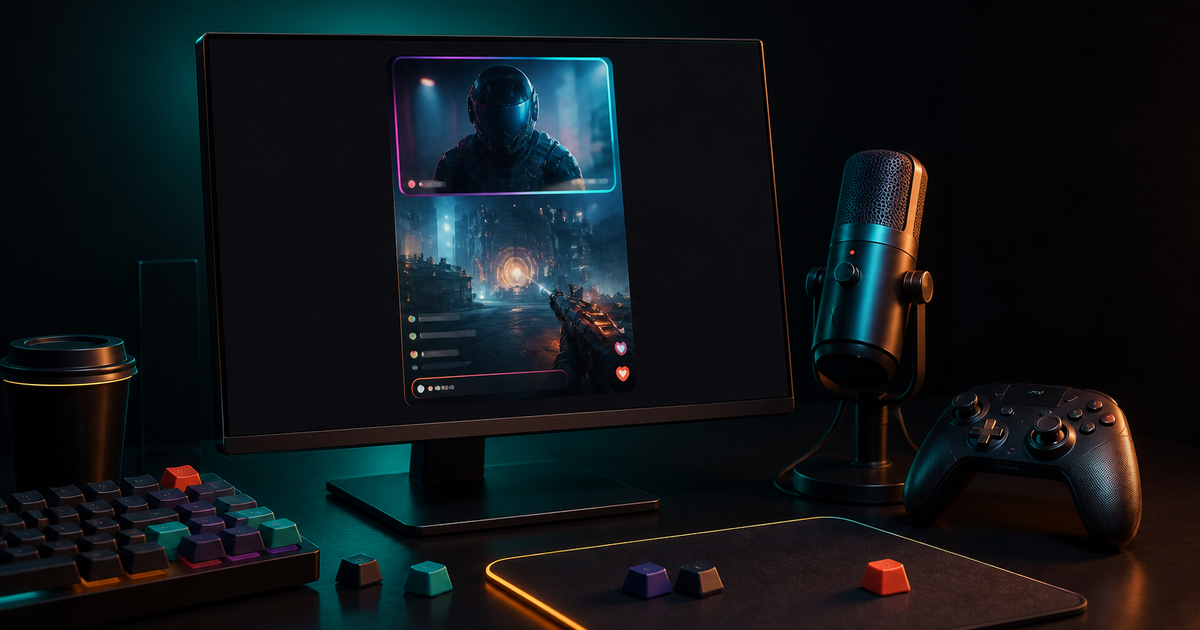
You can stream EA FC three ways. A PS5 broadcasts from the Create button to linked services such as YouTube or Twitch. An Xbox streams to Twitch from the Capture and Share tab. Anything else, including TikTok, needs the console's HDMI through a capture card into a computer running OBS or LIVE Studio, or the PC version of the game. Built-in is quickest. The card gives you the layout, the camera placement and every platform.
From PlayStation Support, Xbox Wire, TikTok's LIVE Studio Help Center, OBS, YouTube Help and EA's soundtrack announcement, read 12 to 15 November 2026. More console and PC game guides live in the gaming streams section.
The three routes side by side
| Route | Goes to | Extra hardware | What you give up |
|---|---|---|---|
| PS5 Broadcast | Linked services; Sony names YouTube and Twitch | None; add a camera in Broadcast Options | Your own layout and overlays; Sony says some scenes may not appear to viewers, depending on the game |
| Xbox Live streaming | Twitch | None; a webcam for a facecam | Platforms other than Twitch |
| Capture card into a PC | Any platform, including TikTok | A capture card and a computer | Money and setup time |
| PC version of the game | Any platform | A PC that can run the game and the encoder | Frames, if the PC is short of power |
For a casual Twitch stream from the sofa, built-in broadcasting is fine and takes minutes. For TikTok, or for a portrait layout with your camera in its own band, the capture card is the only console route. Playing the PC version on a handheld instead? The Steam Deck guide covers both of its routes.
PS5 Broadcast
- Press the Create button and select Broadcast.
- Select the streaming service. The first time, you link your account; Sony says some services require two-factor authentication on the linked account.
- Enter the broadcast details. Open Broadcast Options to add camera video or party audio.
- Set resolution and frame rate under Video Quality. Sony says the available resolutions vary by service.
- Select Go Live. The broadcast card appears in the control center.
If you leave the game or turn on see-through view, Sony says viewers see a blank screen with a message. Stay in FC while live.
Two Broadcast settings change a football stream more than the rest. In Audio, you choose whether your microphone and party audio go out. If you play online with friends, tell them first, as Sony suggests, because their voices become part of the broadcast. In Overlays, you choose whether viewer comments and new-viewer alerts appear and where. Put them over a corner of the crowd, not over the scoreline or the radar.
Xbox to Twitch
Xbox Wire's February 2022 announcement gives the steps. Open the guide, go to Capture and Share, and select Live streaming. Link Twitch by scanning a QR code or visiting the address shown. Set the title, game and mic audio levels, party chat, resolution and bitrate in the options panel, then select Go live now. A pause screen shows when you're not in a game, and the game listed on Twitch updates if you switch games.
Capture card, for TikTok and everything else
Console HDMI goes into the card's HDMI IN, and the card connects to the computer. The card's HDMI OUT feeds your TV, so you play without the preview's delay. TikTok suggests starting the console at 1080p, 60 Hz, SDR with HDR, VRR and 120 Hz off. On a PS5, turn HDCP off with the console connected straight to the TV first, or the capture stays black. The capture card setup guide has the full sequence.
A football pitch is wide, and the ball can be anywhere on it. In a portrait frame, keep the full 16:9 picture across the width rather than cropping the touchlines away. The TikTok gaming walkthrough covers the rest of the layout.
Settings before kick-off
Football is mostly a green field with small players moving across it, which compresses well until the camera pans fast after a long ball. That pan is the moment a low bitrate shows. Each platform publishes a starting point:
| Where | Starting point from the platform's own page |
|---|---|
| TikTok LIVE Studio | 1080P60 or 720P60 for gaming; let LIVE Studio set the bitrate; use a hardware encoder |
| YouTube Live | 1080p60 at 6 Mbps minimum and 17 Mbps recommended, or 720p60 at 3 Mbps minimum and 8 Mbps recommended |
| PS5 Broadcast | Pick resolution and frame rate under Video Quality; Sony says the choices vary by service |
| Xbox to Twitch | Resolution and bitrate in the Live streaming options panel |
On a PC running both the game and the stream, OBS's encoding troubleshooting page has one fix that costs you nothing in FC. Cap the game's frame rate to your monitor's refresh rate. If OBS still says encoding is overloaded, lower the output resolution before the frame rate. A football stream at 30 frames looks jerky on every pass.
The soundtrack problem
EA's announcement of the FC 26 soundtrack, dated 15 September 2025, lists songs by commercial artists including Ed Sheeran and JENNIE. Licensed songs like those are what platform music rules are written about, and EA's announcement says nothing about streaming them. GTA V's car radio raises the same question; the GTA V guide covers what Rockstar's policy does and doesn't say.
We couldn't find an EA help page that documents a streamer setting for FC's menu music, so we won't name one. Platform rules differ, and Twitch's music rules are a common starting point. Before a stream you'll keep as a VOD, read your platform's rules and check FC's audio settings for a music control.
EA Sports FC streaming questions
Can you stream EA FC 26 on PS5?
Yes, with no extra hardware. Press the Create button, choose Broadcast, pick a linked service such as YouTube or Twitch, and select Go Live. Broadcast Options adds a camera or party audio. Sony notes that the resolutions on offer vary by service, and that some scenes may not appear to viewers, depending on the game.
What settings should I use to stream EA FC?
On TikTok LIVE Studio, start with the 1080P60 or 720P60 preset, which TikTok calls ideal for gaming, and keep the default bitrate. For YouTube, Google recommends 17 Mbps at 1080p60 or 8 Mbps at 720p60. Stay at 60 frames if you can, since fast passes judder at 30.
Is a capture card worth it for streaming EA FC?
Only if built-in broadcasting can't do what you need. A PS5 broadcasts to linked services such as YouTube and Twitch, and an Xbox streams to Twitch, with no extra hardware. A capture card earns its cost when you want TikTok, your own overlays, or a portrait layout with the camera in its own band.
Can I stream EA FC to TikTok from a PS5?
Not with the built-in Broadcast, which goes to linked services such as YouTube and Twitch. For TikTok, run the console through a capture card into a computer with OBS or LIVE Studio.
How do I stream EA FC from an Xbox?
Open the guide, go to Capture and Share, select Live streaming and link Twitch with the QR code. Set the title, game, mic and party chat, resolution and bitrate, then select Go live now.
Can I show viewer comments on a PS5 broadcast?
Yes, with the Overlays setting, which places viewer comments and new-viewer alerts on screen. Put them over a corner of the crowd, not over the scoreline or radar.
Can EA FC's soundtrack cause problems on stream?
It can. EA's FC 26 soundtrack lists commercial artists including Ed Sheeran and JENNIE, and its announcement says nothing about streaming them. Check your platform's music rules before a stream you'll keep.
What happens if I leave EA FC during a PS5 broadcast?
Sony says viewers see a blank screen with a message, so stay in the game while you're live.
How should I crop EA FC for a vertical stream?
Don't crop the touchlines away. Keep the full 16:9 picture across the width, since the ball can be anywhere on a wide pitch.
Why does EA FC get blocky on stream?
A fast pan after a long ball changes most of the picture at once, which is where a low bitrate shows. Raise the bitrate or drop to 720p rather than lowering the frame rate.
Sources
8 sources, checked November 15, 2026
Platform and app documentation changes. These sources were checked on the dates shown.
- PlayStation Support: How to stream gameplay with Broadcast on PS5 consoles, checked November 15, 2026
- TikTok LIVE Studio Help Center: Adjust LIVE quality, checked November 15, 2026
- YouTube Help: Choose live encoder settings, bitrates and resolutions, checked November 15, 2026
- OBS Knowledge Base: Encoding Performance Troubleshooting, checked November 15, 2026
- Xbox Wire: Xbox live streaming with Twitch, 23 February 2022, checked November 12, 2026
- TikTok LIVE Studio Help Center: Capture card connection guidelines for going LIVE with console games, checked November 13, 2026
- Elgato: How to set up Game Capture 4K S with PlayStation 5, checked November 12, 2026
- EA: FC 26 soundtrack, checked November 13, 2026
WaveSync makes the interactive side easy
WaveSync plays sounds, runs games and reads chat aloud when viewers send gifts or type a command. Every setting is a click or two away, and the Free plan needs no card.
See how WaveSync works →